
Hyundai Elantra (CN7): Tires/Wheels / Wheel
Components and components location
| Components |
|
Steel wheel 15 inch (6.0J X 15)
|
Aluminum wheel 15 inch (6.0J X 15)
|
|
|
|
Aluminum wheel 16 inch (6.5J X 16)
|
Aluminum wheel 17 inch (7.0J X 17)
|
|
|
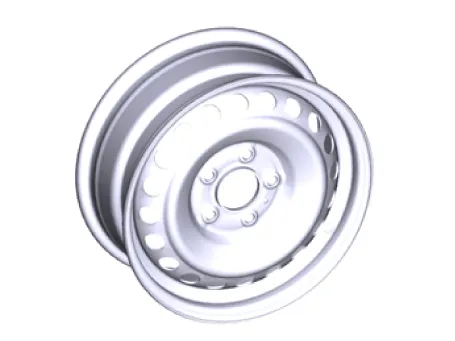
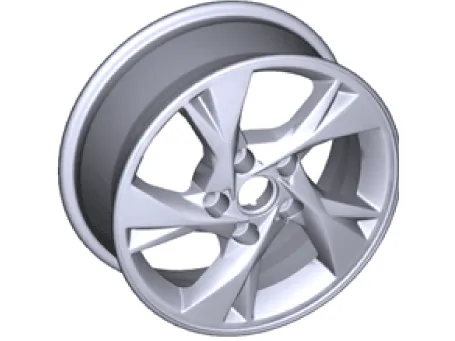
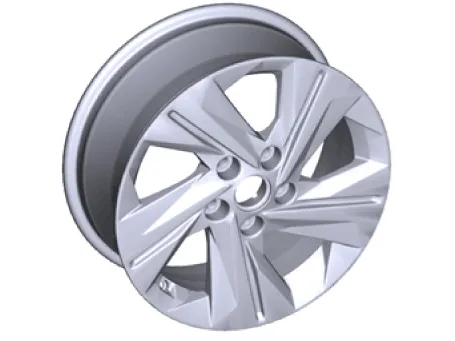
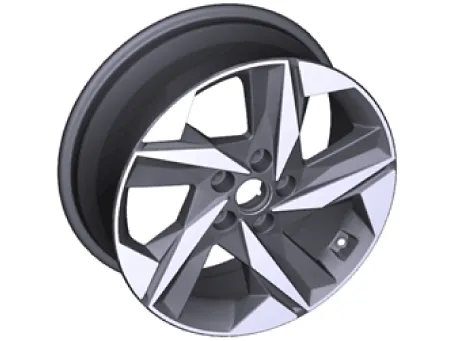
Repair procedures
| Hub nut tightening sequence |
| 1. | Tightening torque
|

| 2. | Tighten all wheel nuts evenly according to the tightening sequence until fully tightened.
|
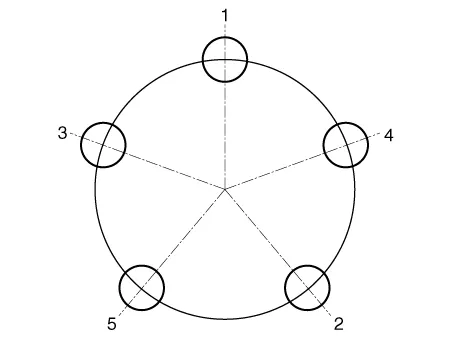
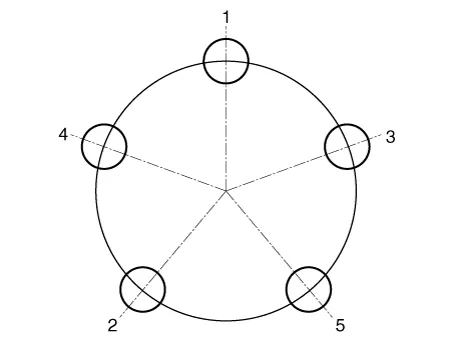

| Run out inspection |
| 1. | Jack up the vehicle. |
| 2. | Measure the wheel run-out by using a dial indicator as shown below.
| |||||||||||
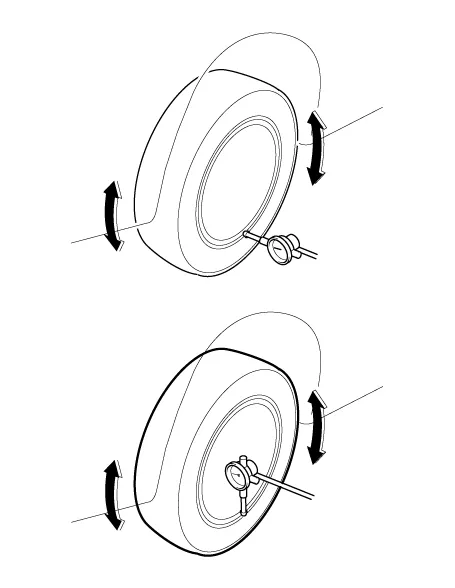
| 3. | If measured value run-out the standard value, replace the wheel. |
Repair procedures Tire Wear1.Measure the tread depth of the tires. Tread depth [limit] : 1.6 mm (0.0630 in.)2.If the remaining tread depth (A) is less than the limit, replace the tire.
Repair procedures InspectionFront AlignmentWhen using a wheel alignment tester to check the alignment of the wheels, make sure that the vehicle is horizontal and the front wheels are pointing straight ahead.
Other information:
Hyundai Elantra (CN7) 2021-2026 Service Manual: Refrigerant Line
Components and components location Components Location1. Refrigerant Pipe Assembly Repair procedures Replacement1.If the compressor is marginally operable, run the engine at idle speed, and let the air conditioning work for a few minutes, then shut the engine off.
Hyundai Elantra (CN7) 2021-2026 Service Manual: Repair procedures
Inspection1.Check for resistance between terminals in each switch position (LH).[LH : Audio + Hands free] Switch Resistance (±5%) SEEK Up430 ΩSEEK Down1.11 kΩMODE2.11 kΩMUTE3.11 kΩVolume (+)4.
Categories
- Manuals Home
- Hyundai Elantra Owners Manual
- Hyundai Elantra Service Manual
- Body Electrical System
- Brake bleeding procedures
- Maintenance
- New on site
- Most important about car
