
Hyundai Elantra (CN7): Manual heating and air conditioning / Air conditioning & OFF mode
Air conditioning
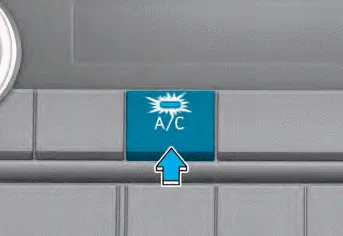
Push the A/C button to manually turn the air conditioning system on (indicator light will illuminate).
Push the button again to turn the air conditioning system off.
OFF mode
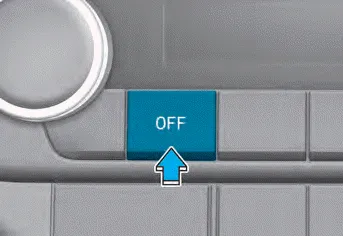
Push the OFF button of the front to turn off the air climate control system. However, you can still operate the mode and air intake buttons as long as the ignition switch is in the ON position.
The fan speed can be set to the desired speed by using the fan speed control toggle switch. More air is delivered with higher fan speeds. Pressing the OFF button turns off the fan.
Ventilation 1. Select the Face Level mode. 2. Set the air intake control to fresh mode. 3. Set the temperature control to the desired position. 4. Set the fan speed control to the desired speed.
Other information:
Hyundai Elantra (CN7) 2021-2026 Service Manual: Components and positions
C
Hyundai Elantra (CN7) 2021-2026 Service Manual: ADAS Parking ECU (ADAS_PRK)
Components and components location Components and Components Location Repair procedures Removal • Use a plastic panel removal tool to remove interior trim pieces without marring the surface.• Take care not to bend or scratch the trim and panels.
Categories
- Manuals Home
- Hyundai Elantra Owners Manual
- Hyundai Elantra Service Manual
- Function settings
- Vehicle Information
- Body (Interior and Exterior)
- New on site
- Most important about car
