
Hyundai Elantra (CN7): Interior Trim / Front Pillar Trim
Components and components location
| Component Location |
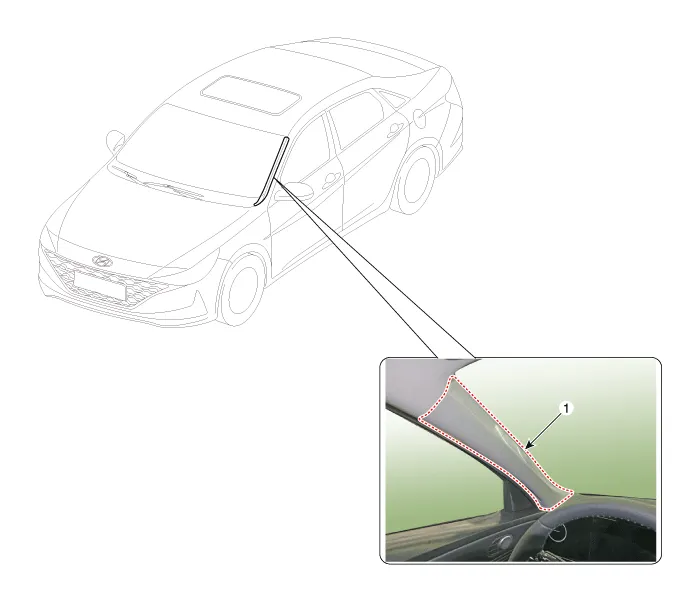
| 1. Front pillar trim |
Repair procedures
| Replacement |
|

|

| 1. | Remove the front pillar trim.
|
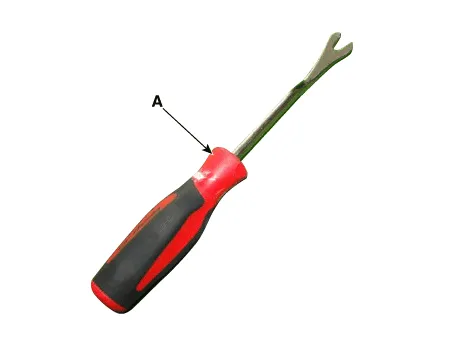

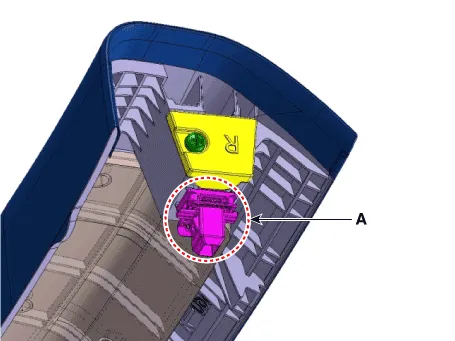


| 2. | To install, reverse the removal procedure.
|
Components and components location Component Location 1. Cowl side trim Repair procedures Replacement • When removing with a flat-tip screwdriver or remover, wrap protective tape around the tools to prevent damage to components.
Components and components location Component Location 1. Center pillar lower trim2.Center pillar upper trim Repair procedures Replacement[Center pillar lower trim] • When removing with a flat - tip screwdriver or remover, wrap protective tape around the tools to prevent damage to components.
Other information:
Hyundai Elantra (CN7) 2021-2026 Service Manual: Description and operation
DescriptionThe immobilizer system will disable the vehicle unless the proper ignition key is used, in addition to the currently available anti-theft systems such as car alarms, the immobilizer system aims to drastically reduce the rate of auto theft.1.
Hyundai Elantra (CN7) 2021-2026 Service Manual: A/C Pressure Transducer
Description and operation DescriptionThe A/C Pressure Transducer (APT) converts the pressure value of high pressure line into voltage value after measuring it. By converted voltage value, engine ECU controls the cooling fan by operating it high speed or low speed.
Categories
- Manuals Home
- Hyundai Elantra Owners Manual
- Hyundai Elantra Service Manual
- Rear Seats
- Engine Mechanical System
- Engine Control / Fuel System
- New on site
- Most important about car
